How much time do you really spend studying?
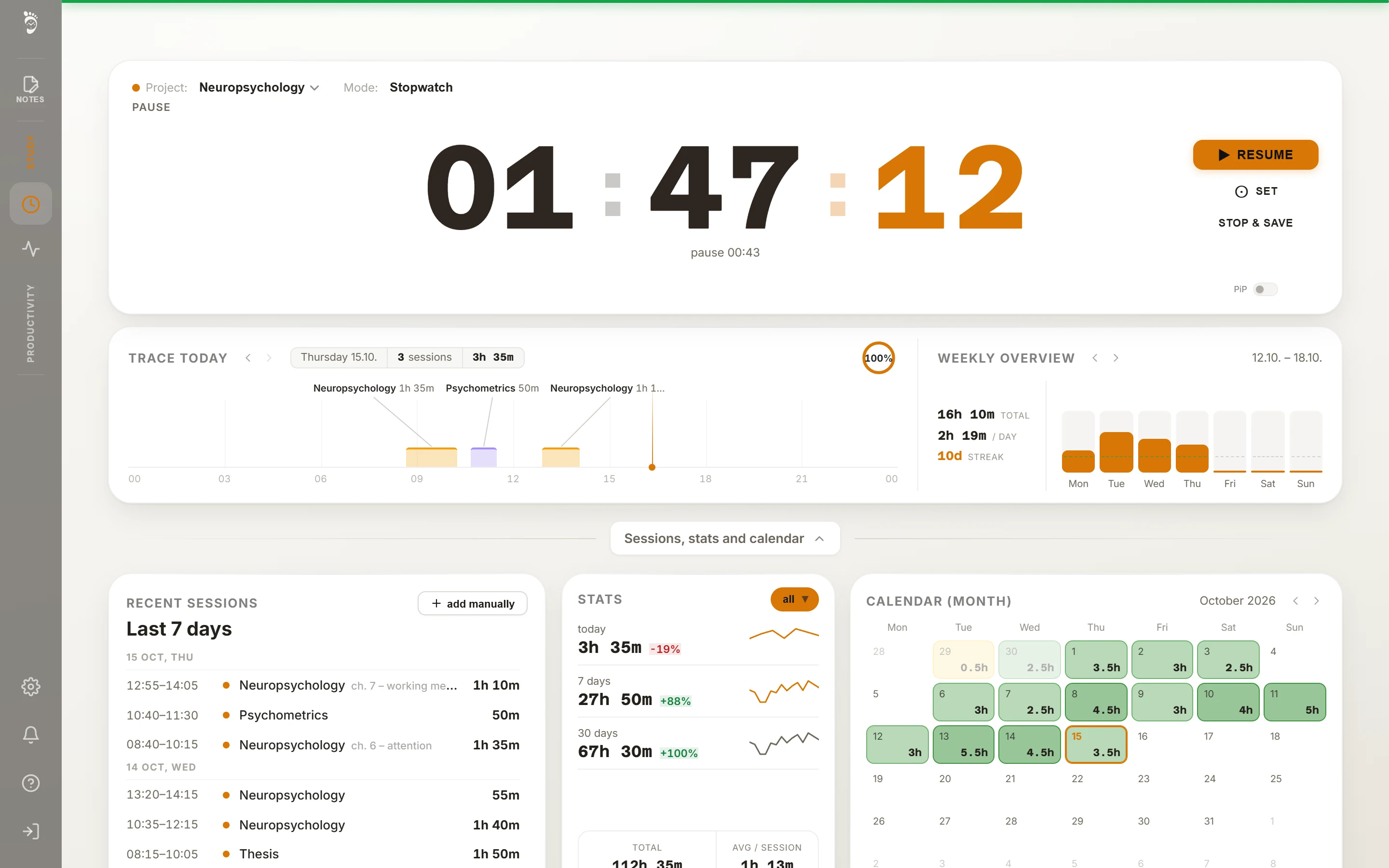
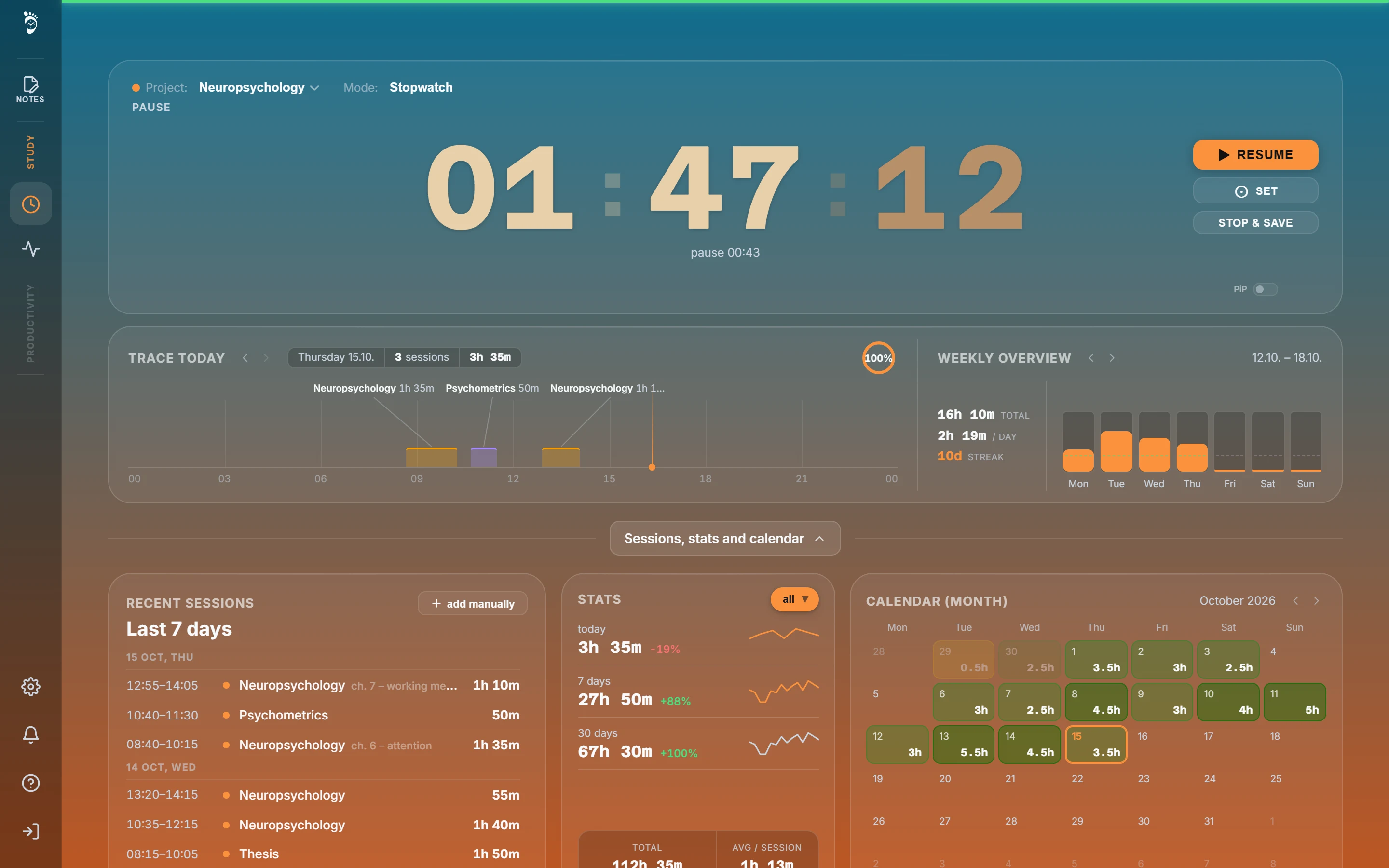
Časostopa times your study sessions and saves them by subject. Your day, week and semester then show exactly how many hours went where.
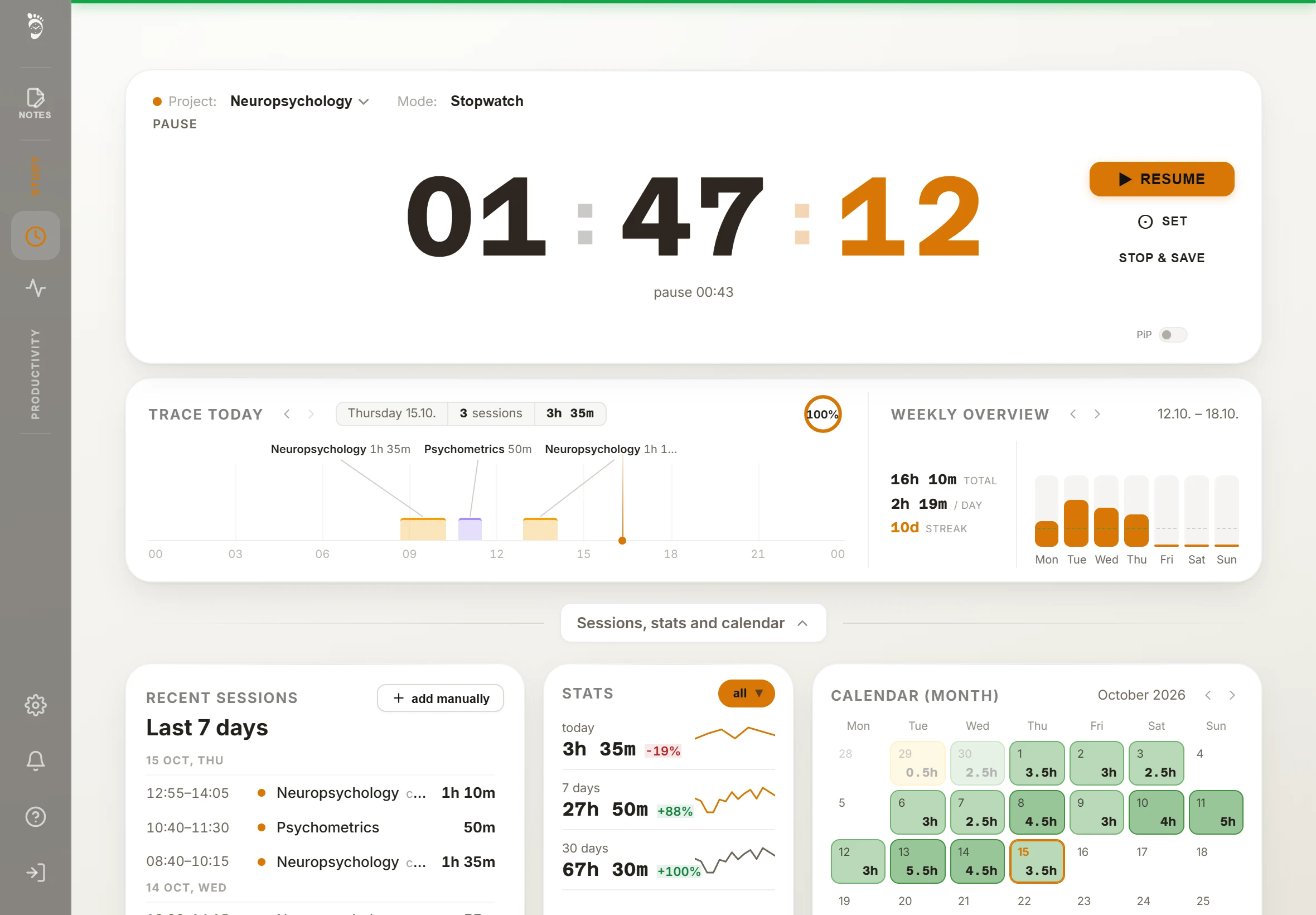
From timer to overview
You pick a subject when you start the timer. Your records and overviews are built from the time you measured.
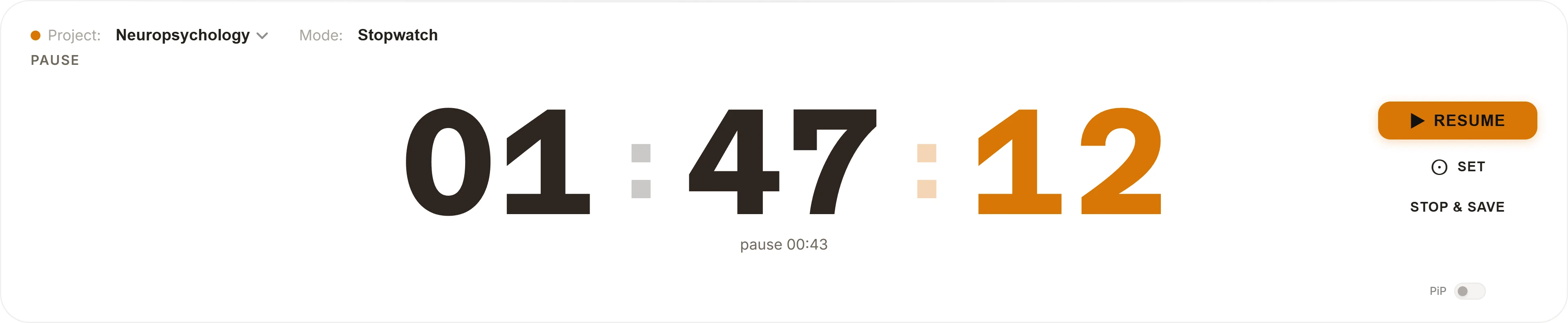
Pick a subject and start the timer
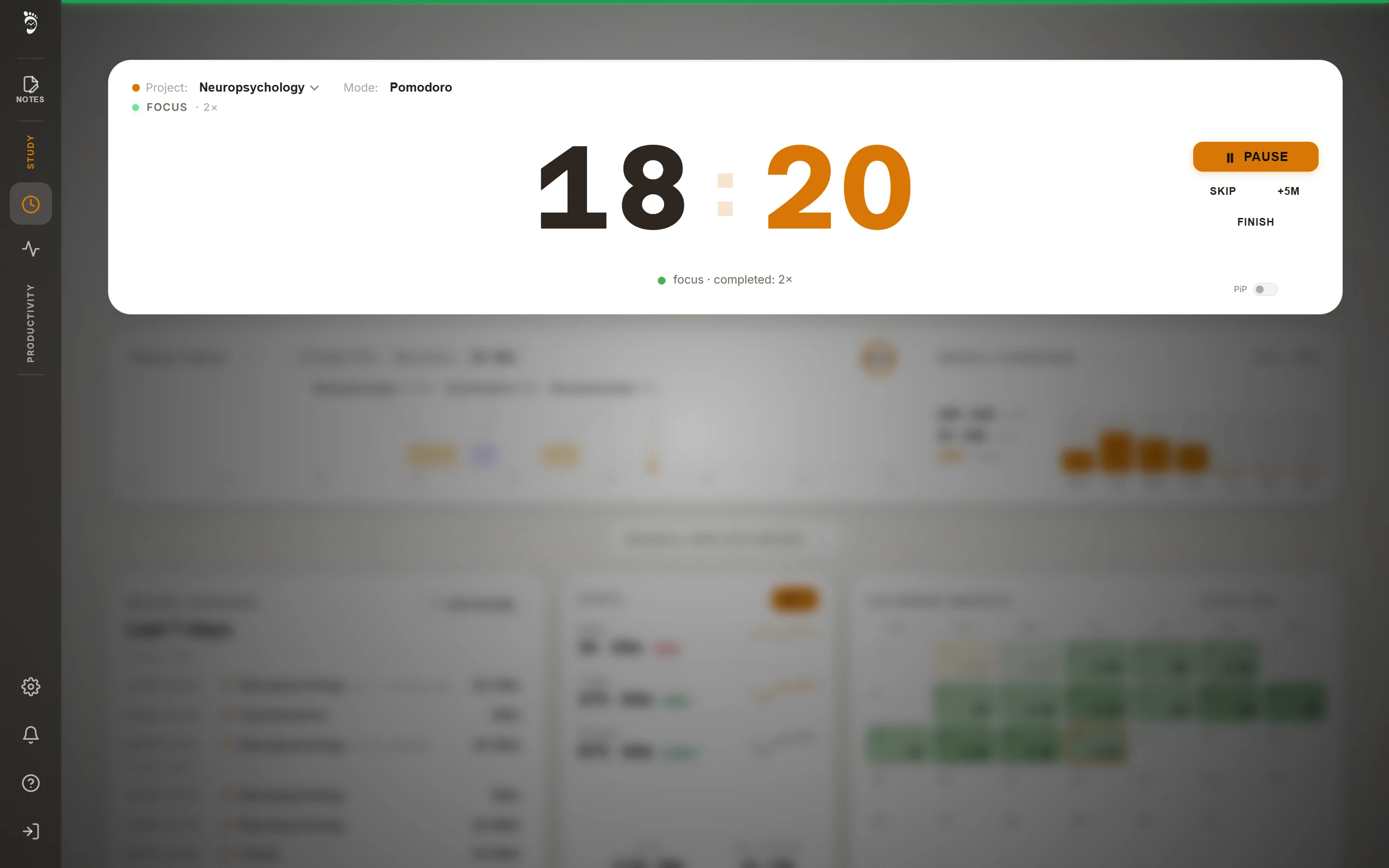
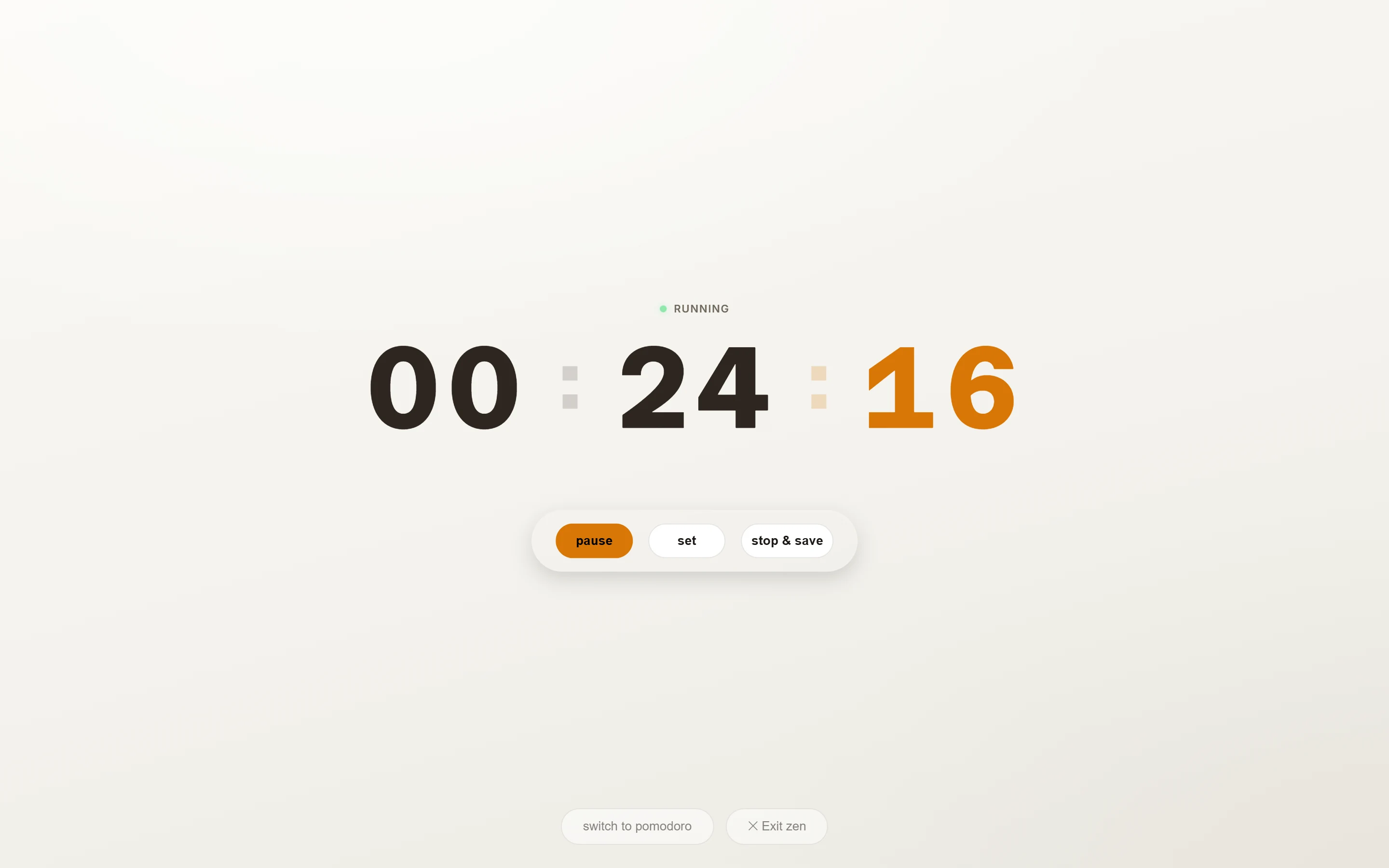
Stopwatch, or pomodoro with breaks. Pause and resume whenever you need.
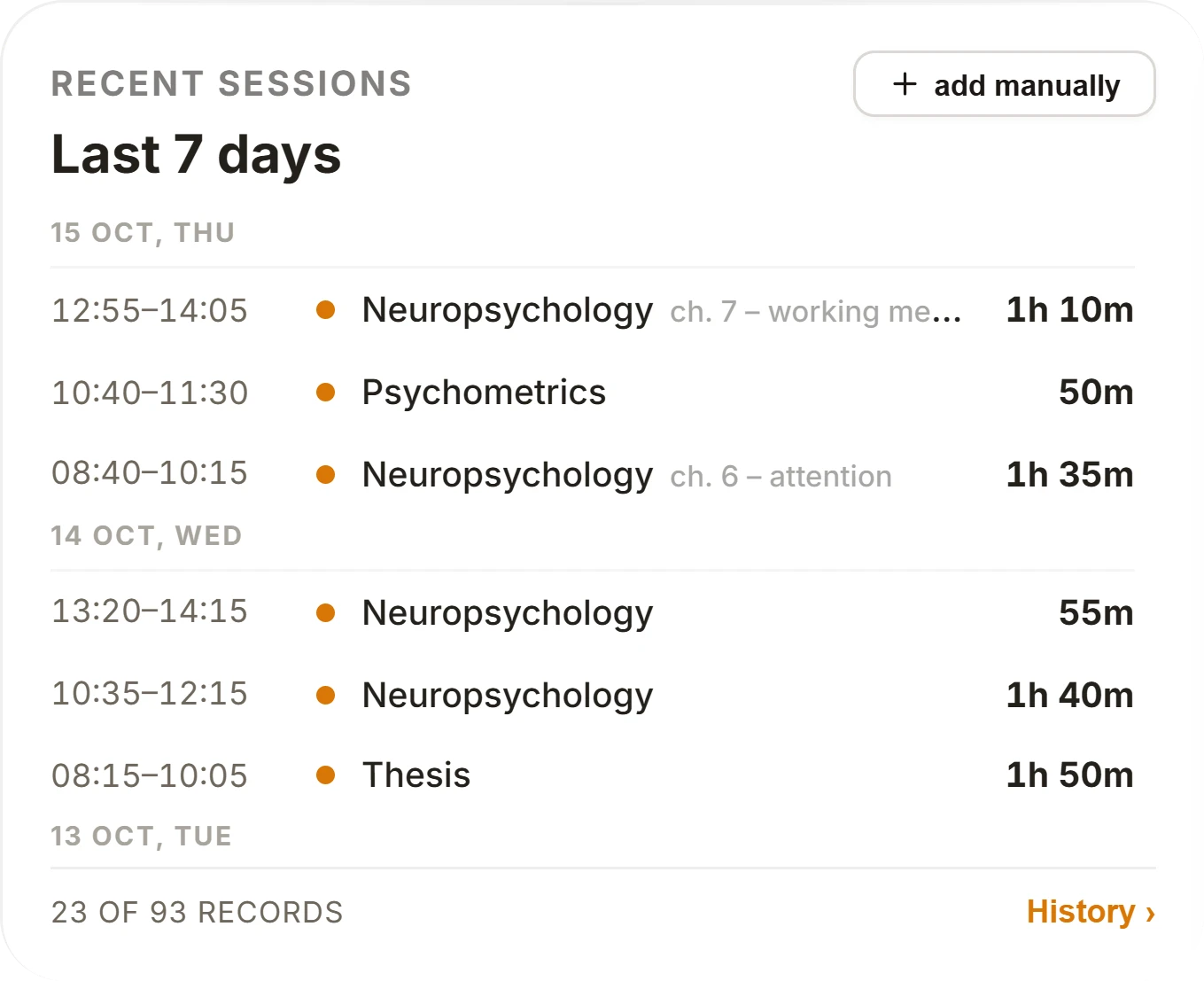
Every study block is saved
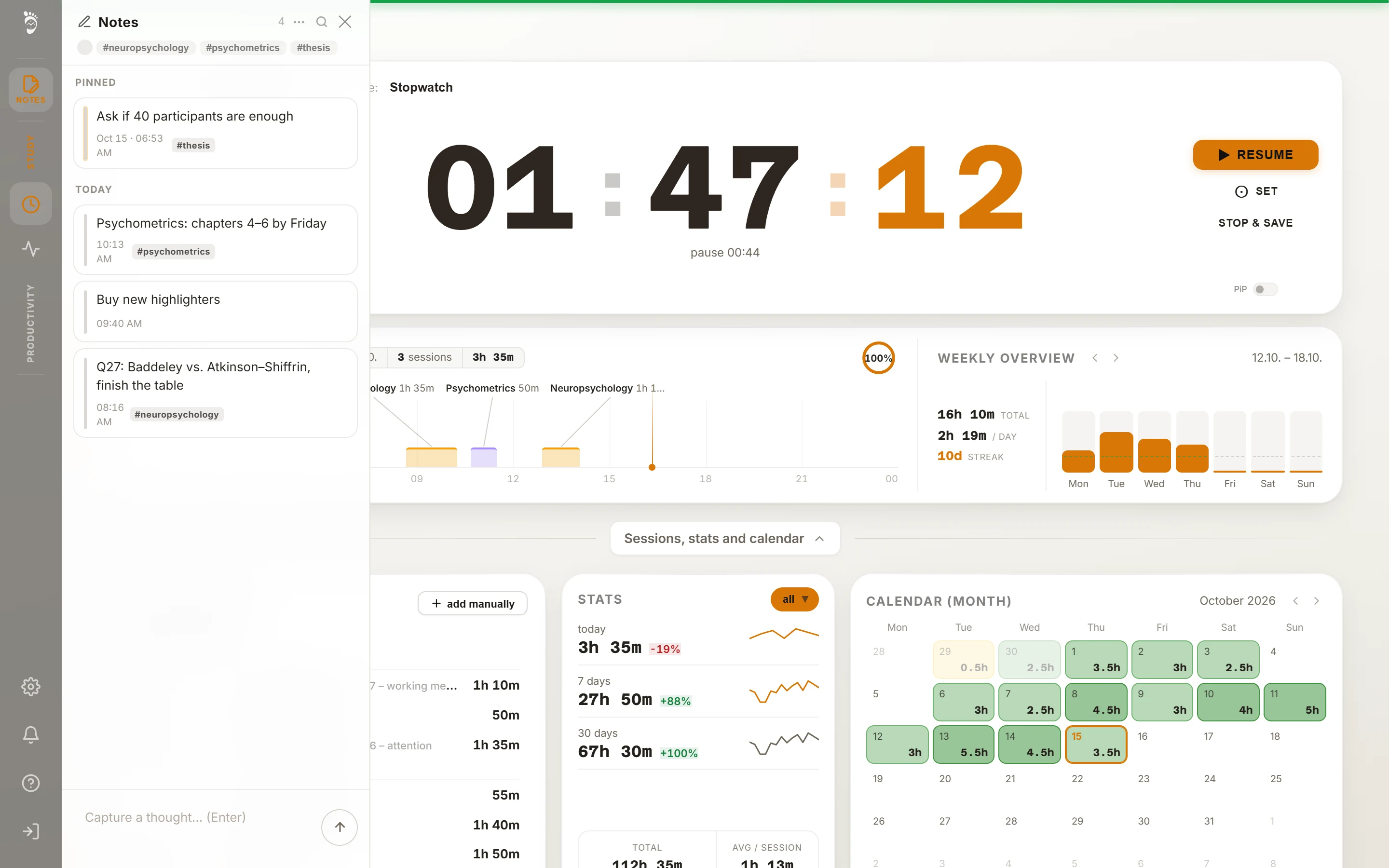
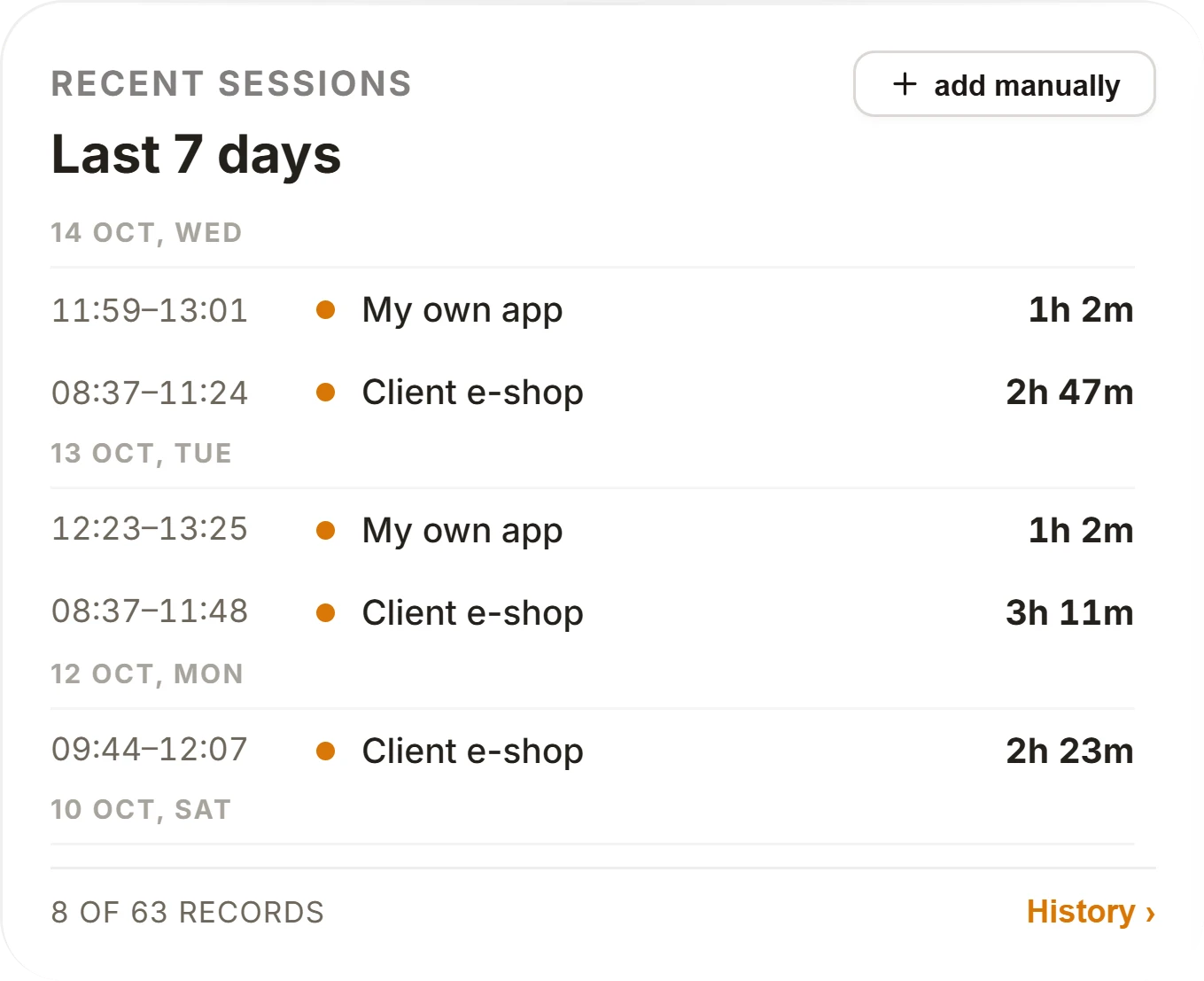
With its time, subject and a note. Forgot to start the timer? There is an “add manually” button.
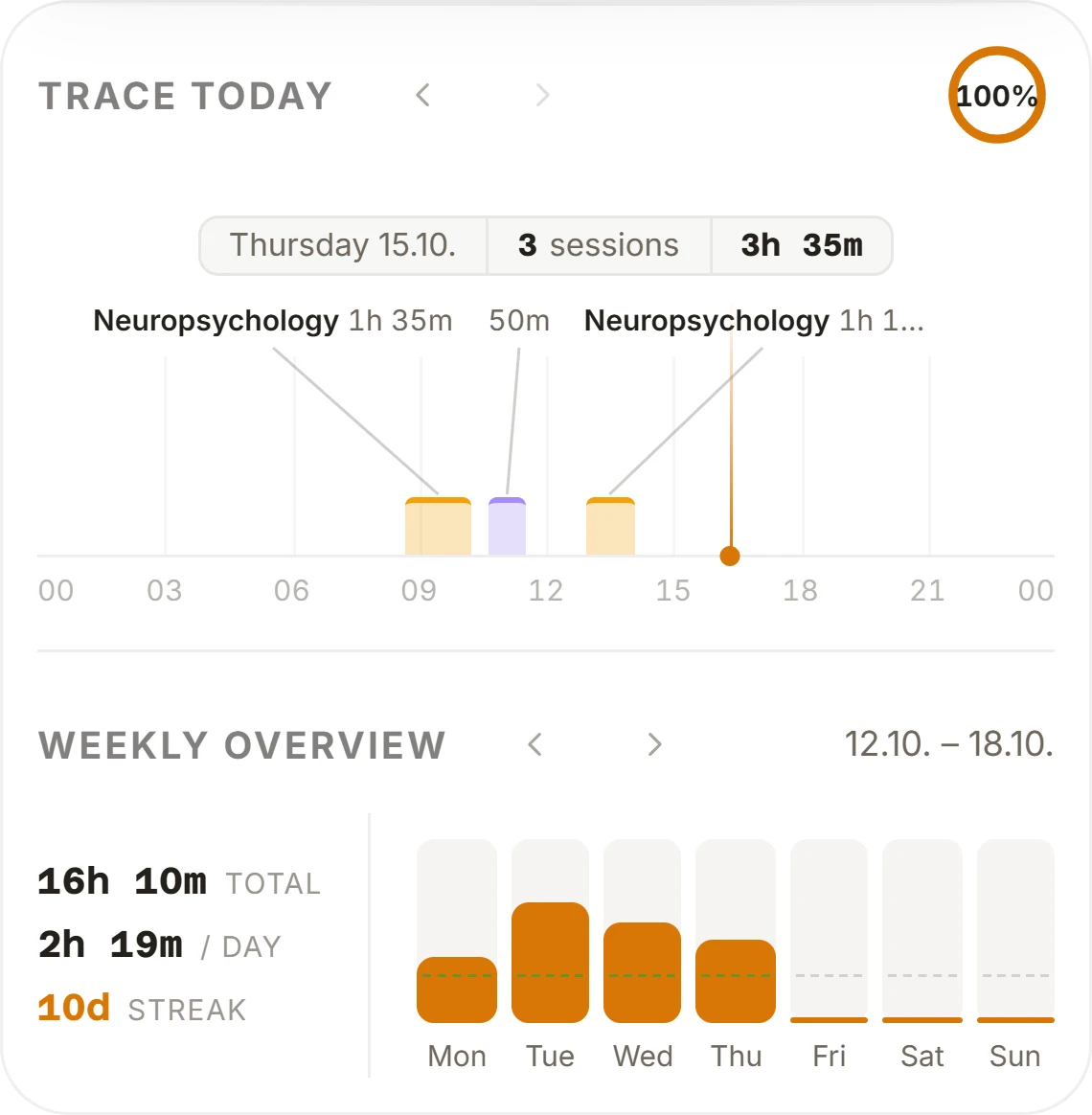
Day, week and month in one view
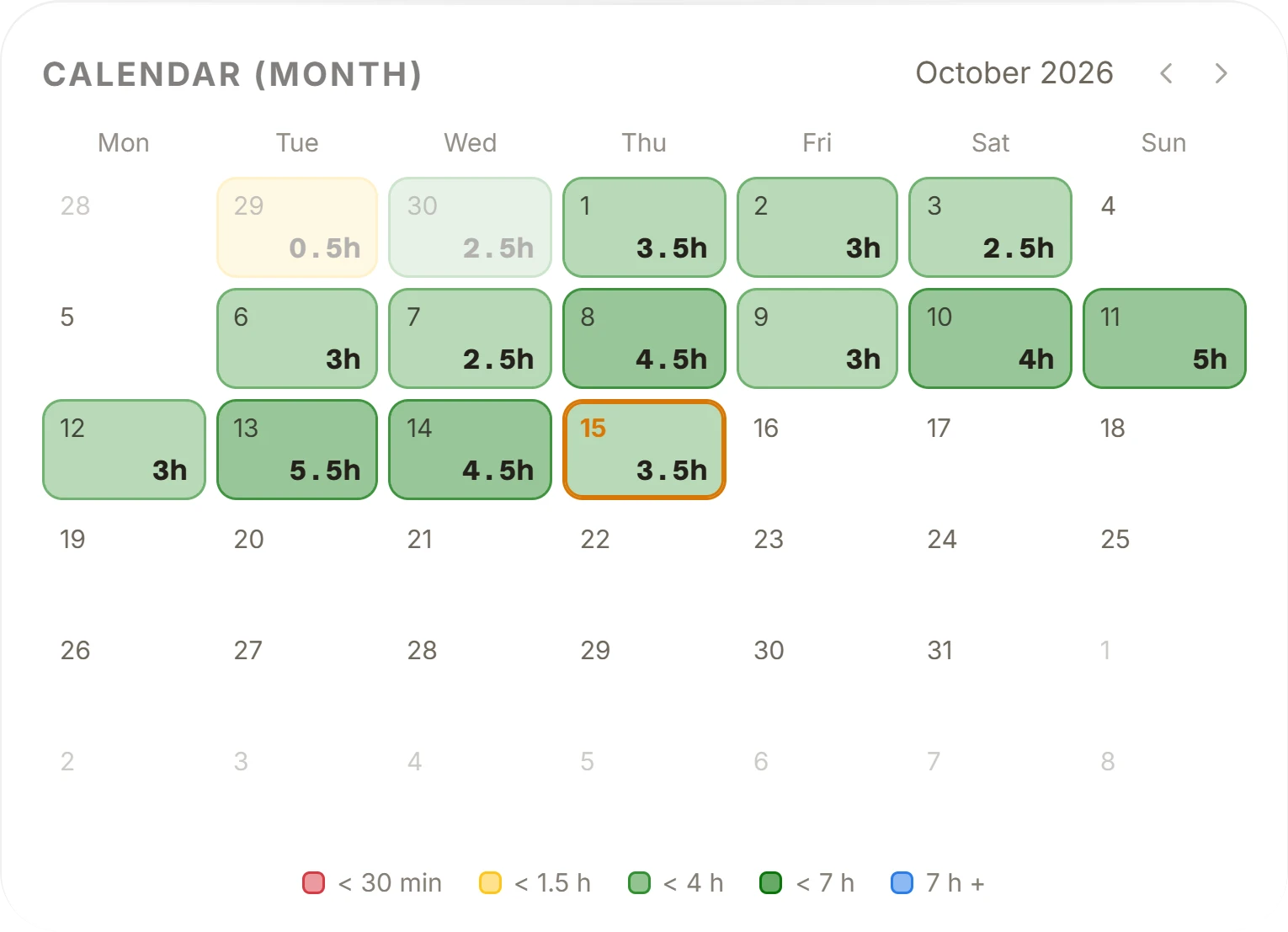
Today's trace shows your study blocks on a timeline, the weekly chart compares days with your daily goal, and the calendar colours each day by how long you studied.
How many hours went where
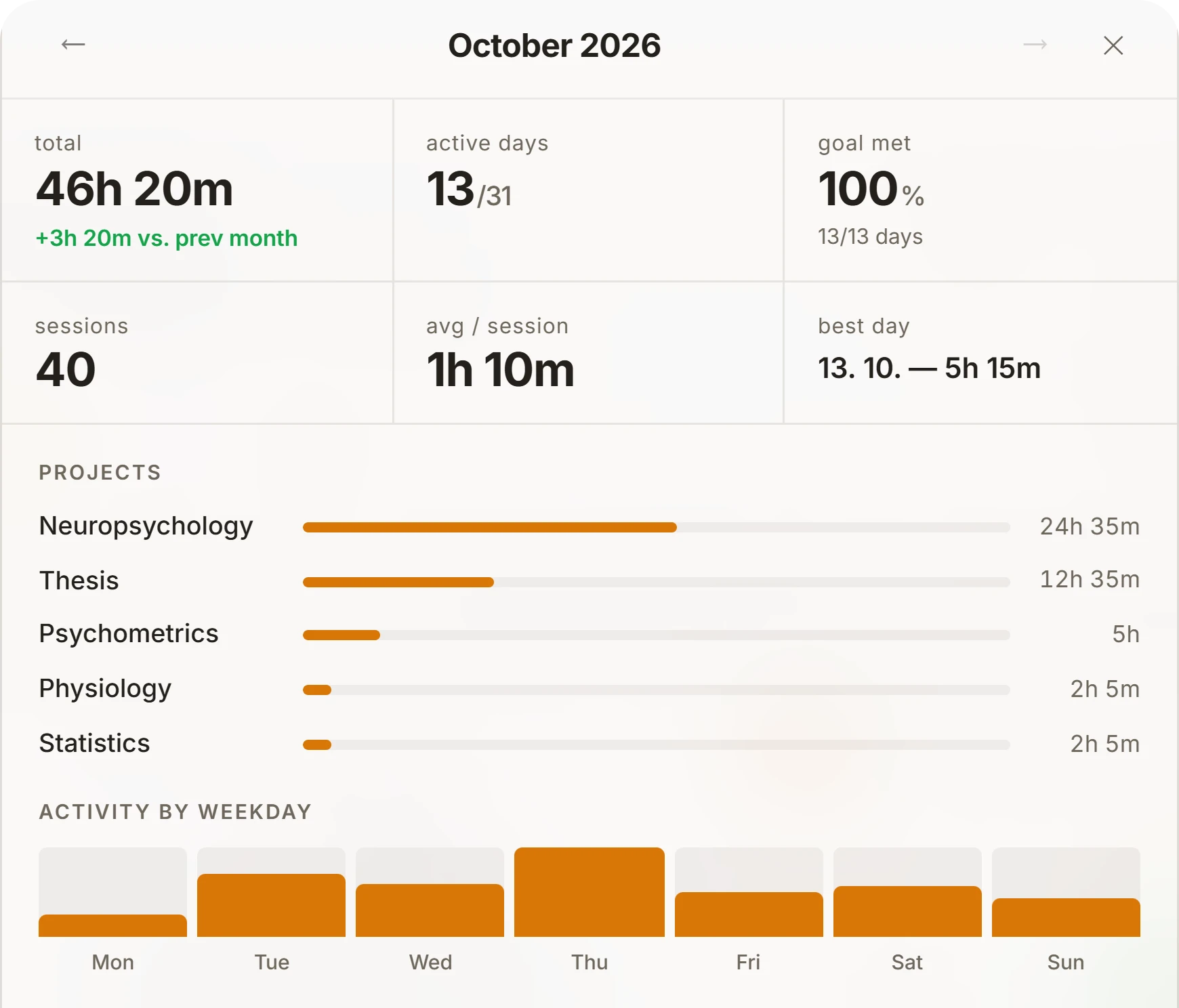
The monthly overview adds up time per subject and shows active days, your best day and a comparison with last month. You can see whether you're studying for the exam that comes first.
Sample data.
Habits, tasks and an exam countdown
The app's second page, for everything around studying that a timer can't measure.
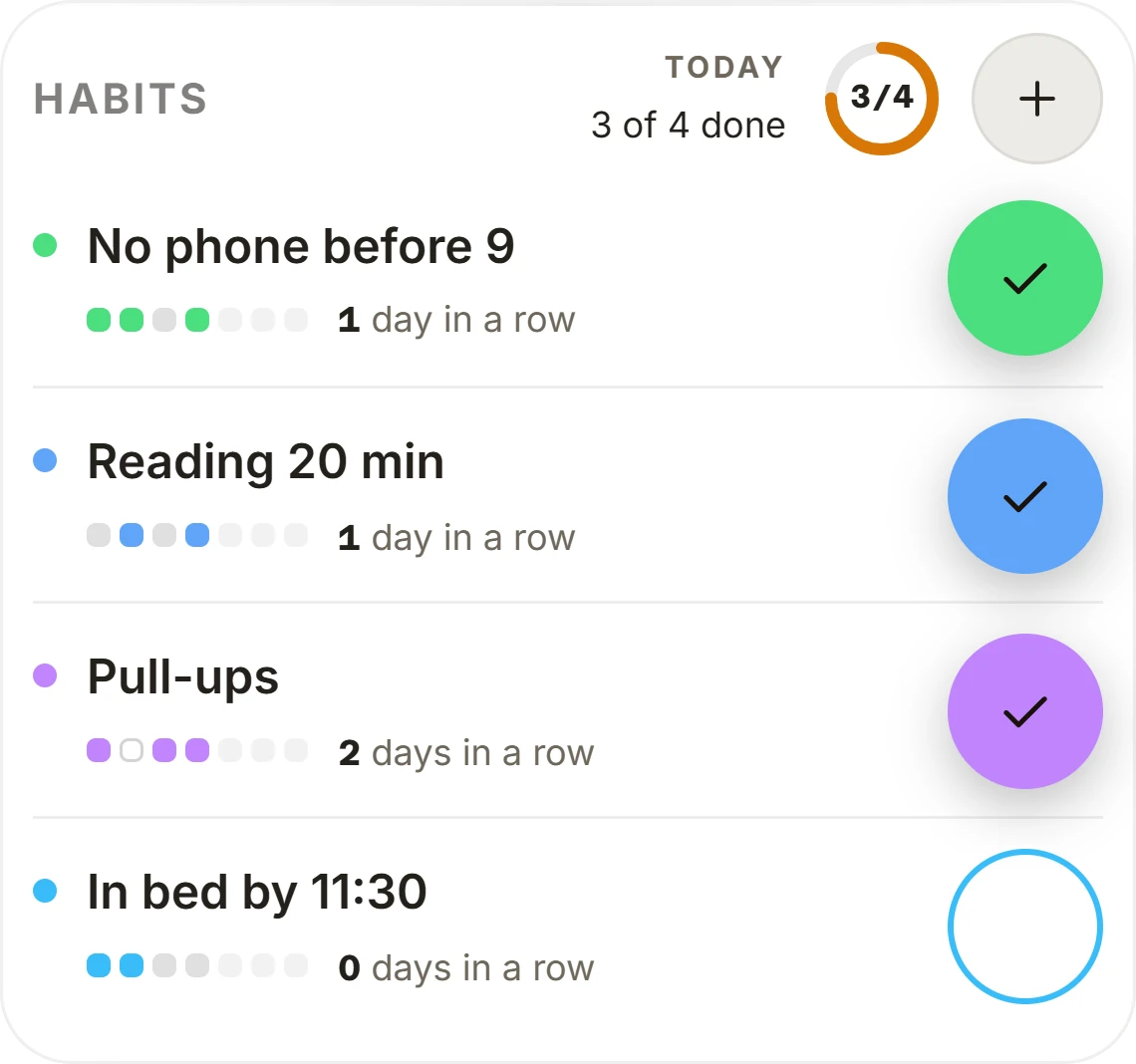
Habits
Check them off day by day and see your streak and the last 30 days.
Tasks
Three priorities side by side. Finished tasks are under the “done” button.
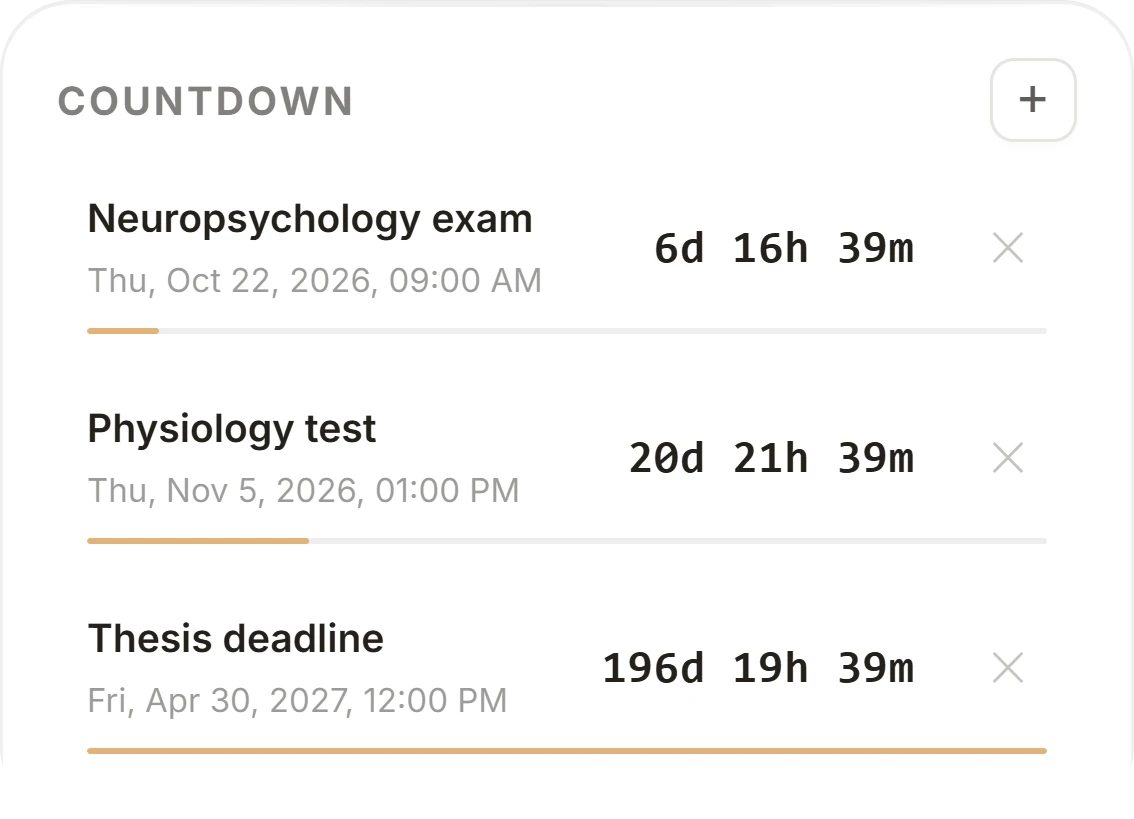
Countdown
How long until an exam, a test or a deadline.

More tools
4 Working memory
Working memory holds information for a few seconds while we work with it, for example when doing mental arithmetic or following a long sentence.
Baddeley and Hitch (1974) described it as a system of three components: the central executive, the phonological loop and the visuospatial sketchpad.
The phonological loop stores the sound of words and refreshes it through inner rehearsal. The visuospatial sketchpad handles images and the position of objects.
In 2000 Baddeley added the episodic buffer, which links the contents of working memory with long-term memory.
What is Časostopa good for?
For studying
Časostopa measures the time you put into studying, so you can plan your day better. Add the chapter to a block as a note and you'll see how long each part of the material took. The countdown shows how many days are left until the exam, so you can estimate how much preparation you still need.
For projects and client work
For developers and freelancers. Track time per project: your own app, a side project, client work. Add a forgotten block by hand and export your data to a file at any time. You'll know how many hours each project took.
For focused work and habits
Set a daily goal and habits, like no phone in the morning or reading. For each habit you'll see how many days in a row you've kept it and how the last 30 days went.
Questions
Why track your time?
Measured minutes show how much time you really give to studying and to which subject. That helps you plan the next days. And seeing a streak of days in the calendar makes it easier to stay consistent.
Do I need an account?
No. Without an account your data stays in this browser. With an account (email or Google) it syncs across your devices.
How much does it cost?
Nothing. Časostopa is free and has no ads.
Does it work on my phone?
Yes, in the browser on your phone and on your computer.
Can I add a session I forgot to time?
Yes, with the “add manually” button next to recent sessions.
Can I download or delete my data?
Yes. Export to a file is in Settings, and you can delete your account with all its data.